

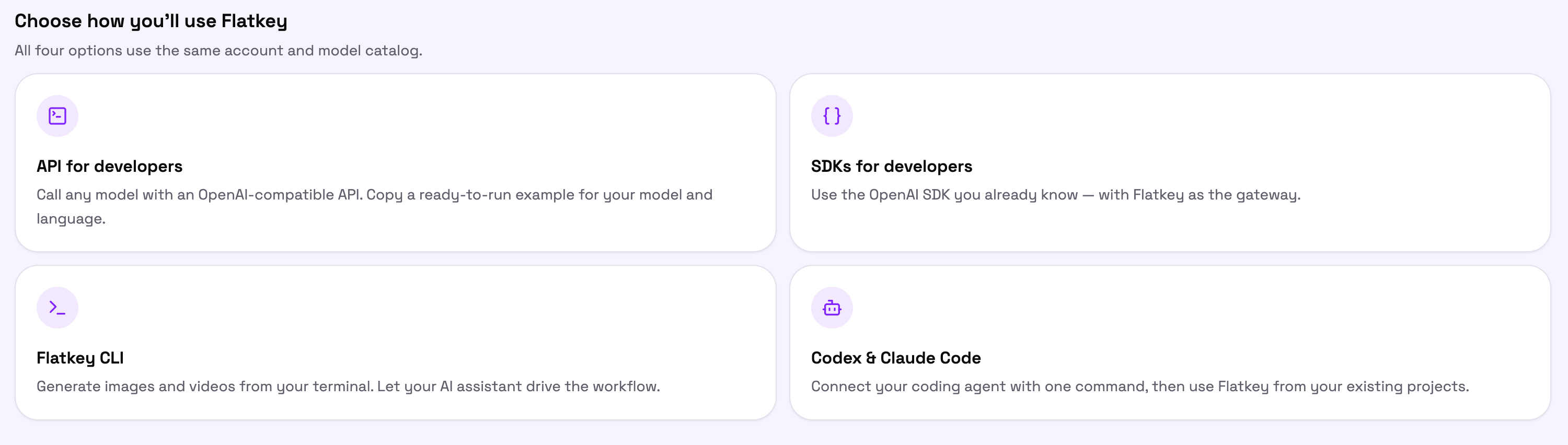
Before you start
Create a key at console.flatkey.ai/keys. Flatkey keys begin withsk-. Every option below uses that one key, so keep it in an environment variable and out of source control.
Each panel in the Console also lets you pick an existing key instead of creating a new one, and drops it straight into the snippet it shows you.
API for developers
Call any model over plain HTTP with an OpenAI-compatible request. No SDK, no dependencies — if you have an HTTP client, you are ready.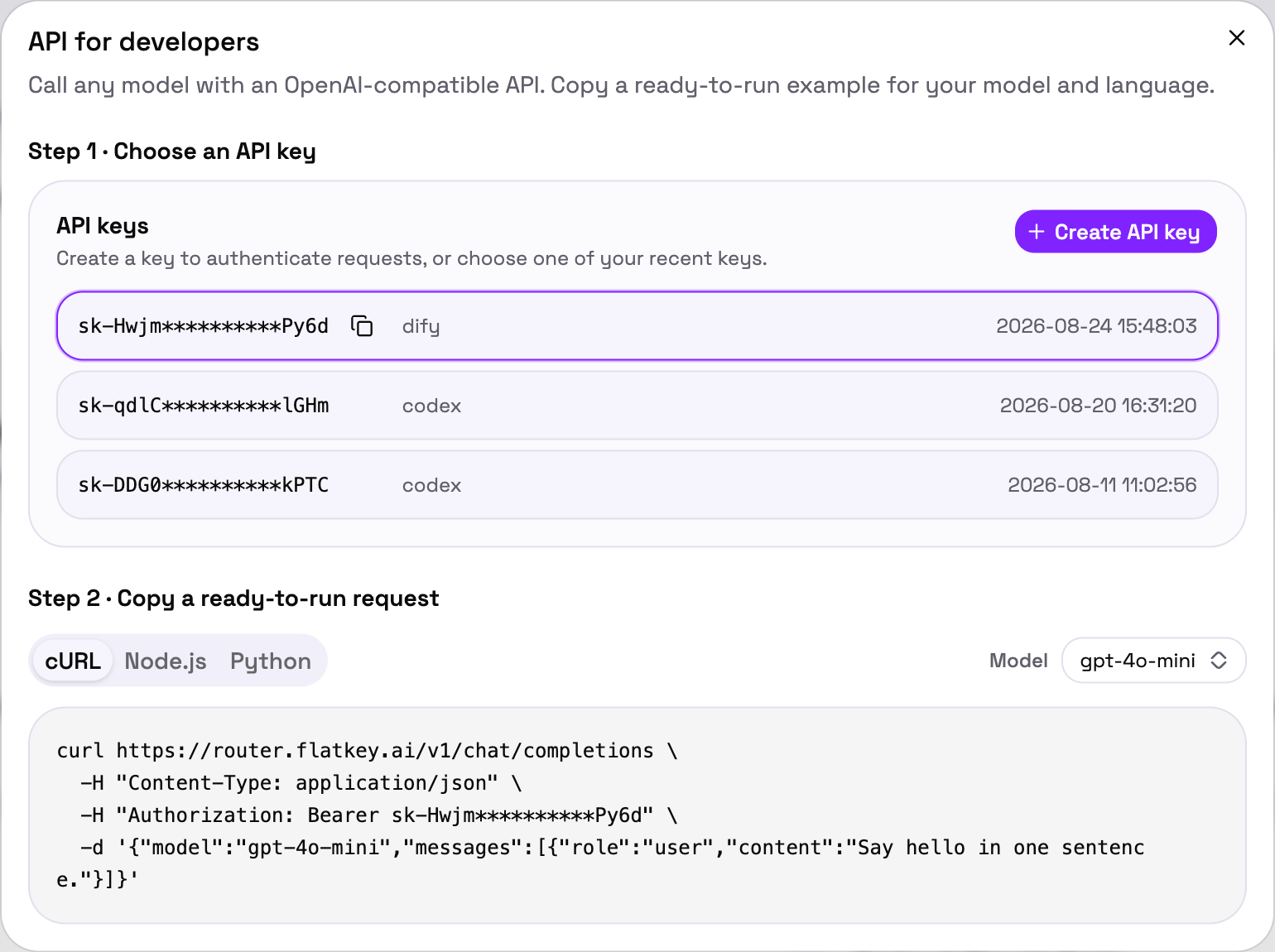
API Access
Base URL, authentication, available endpoints, and error handling.
SDKs for developers
Keep the OpenAI SDK you already use and point it at Flatkey. Your request code does not change — only the base URL does.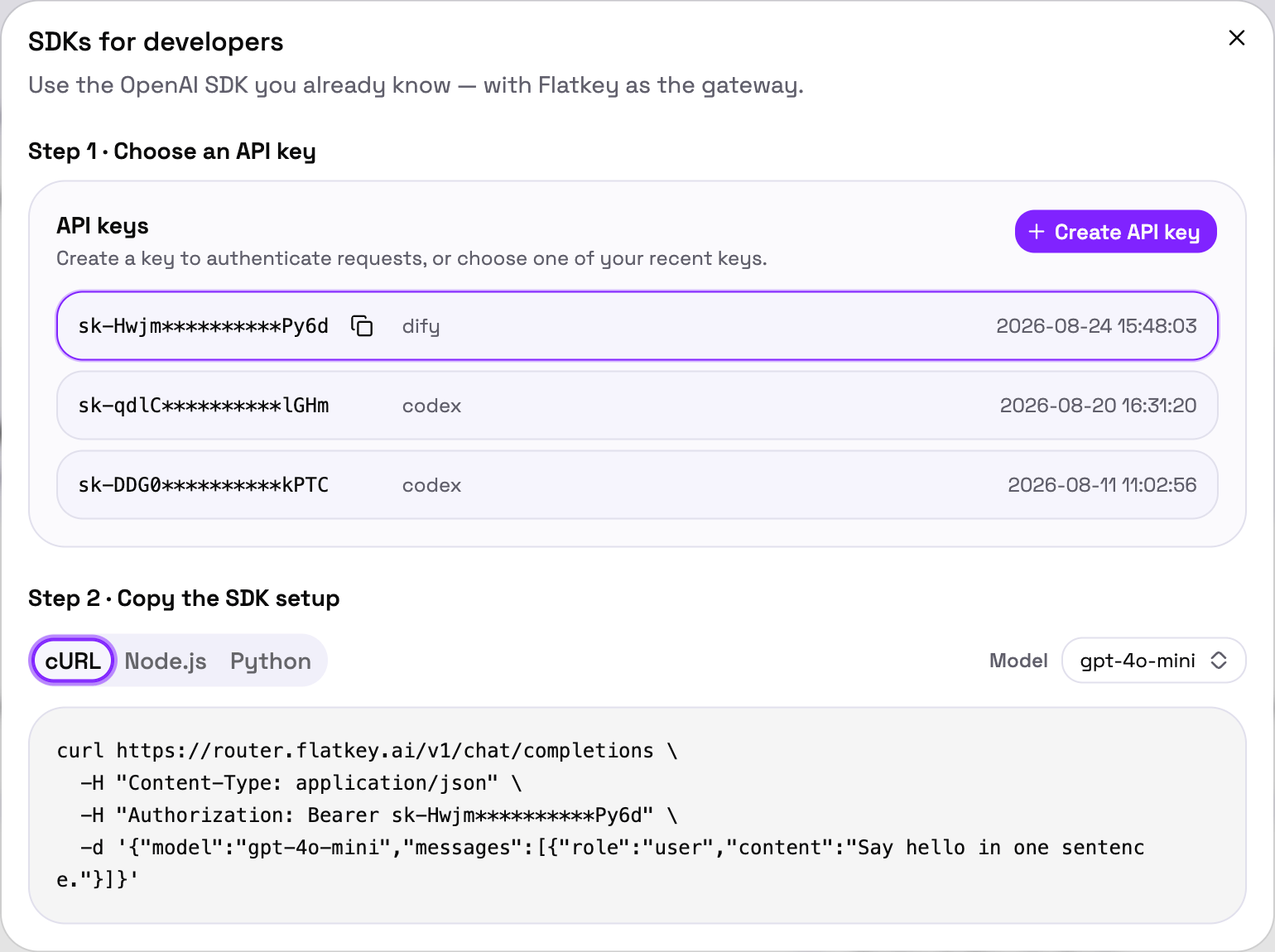
OpenAI SDK
Python and Node.js setup, streaming, and tool calling.
Anthropic SDK
Route Claude requests through Flatkey the same way.
Flatkey CLI
Generate images and video from your terminal, or let an AI assistant drive the CLI for you.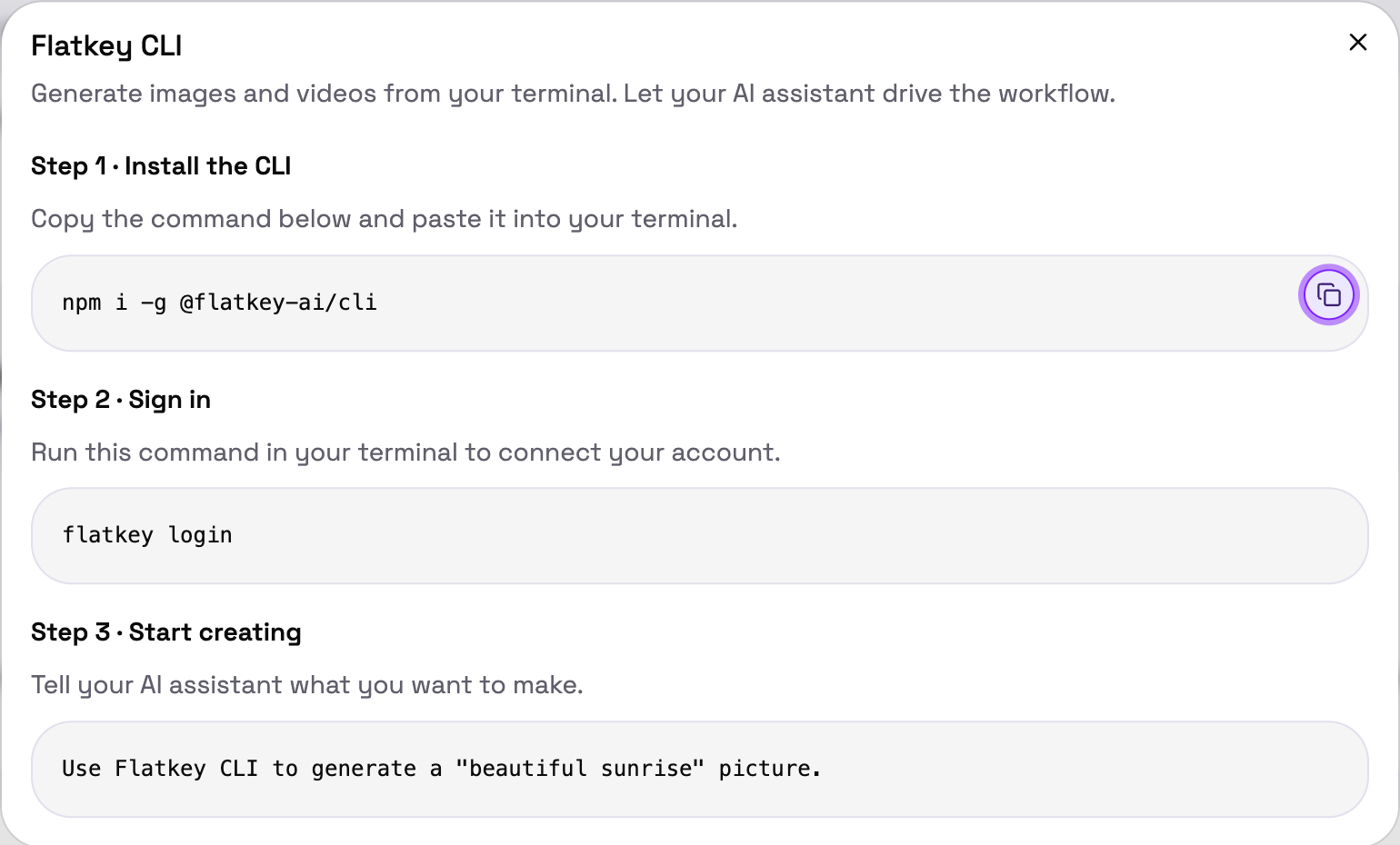
1
Install
2
Sign in
3
Start creating
Ask your AI assistant for what you want, and let it run the CLI:
Flatkey CLI with AI Agent
Commands, JSON output for agents, and error recovery.
Codex & Claude Code
Connect your coding agent once, then use Flatkey from the projects you already have open.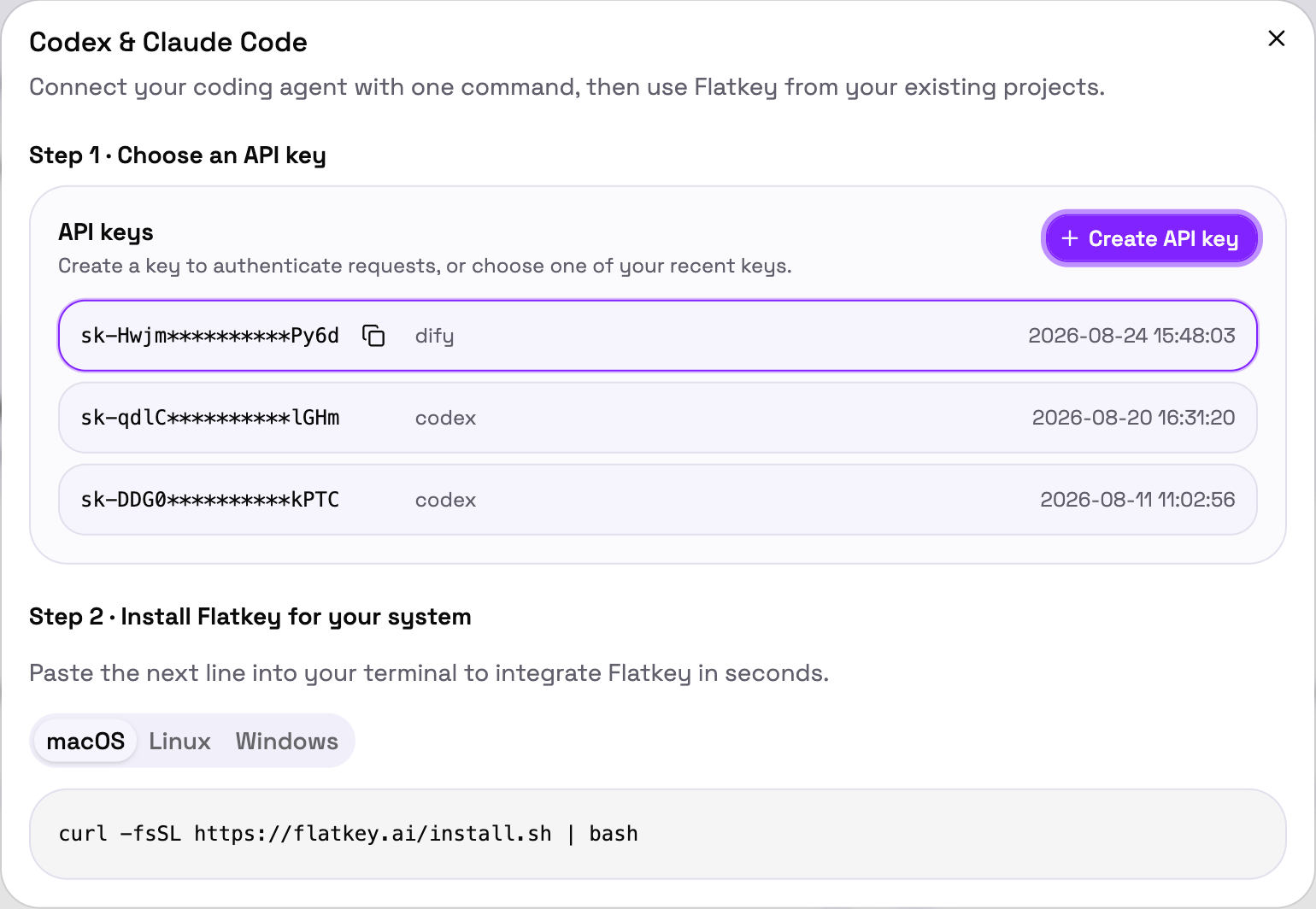
Claude Code
Manual setup or CC Switch.
Codex CLI
Route Codex CLI through Flatkey.
Codex Desktop
Configure the desktop app.
Check that it worked
Whichever option you picked, open Usage Logs in the Console after your first request. You should see it listed with the model, token counts, latency, and cost.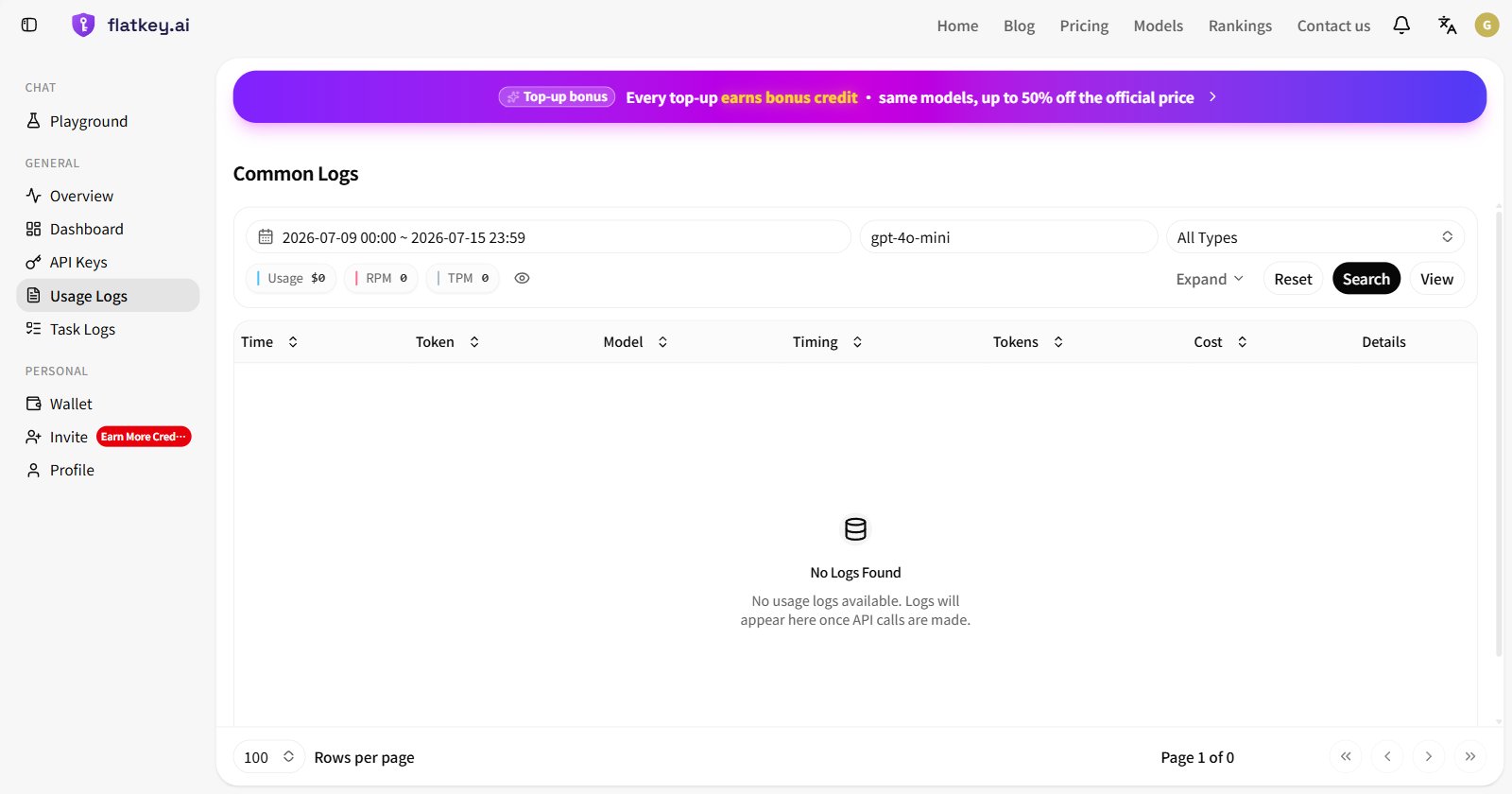
Next steps
Model Directory
Every supported model with live pricing and health.
API errors
Status codes, response formats, and what to do about them.
Text Generation
Streaming, tool calling, and structured output.
Video Generation
Submit a task, poll it, and download the MP4.